06 · Web design · Component playground · concept · 2026
Halyard
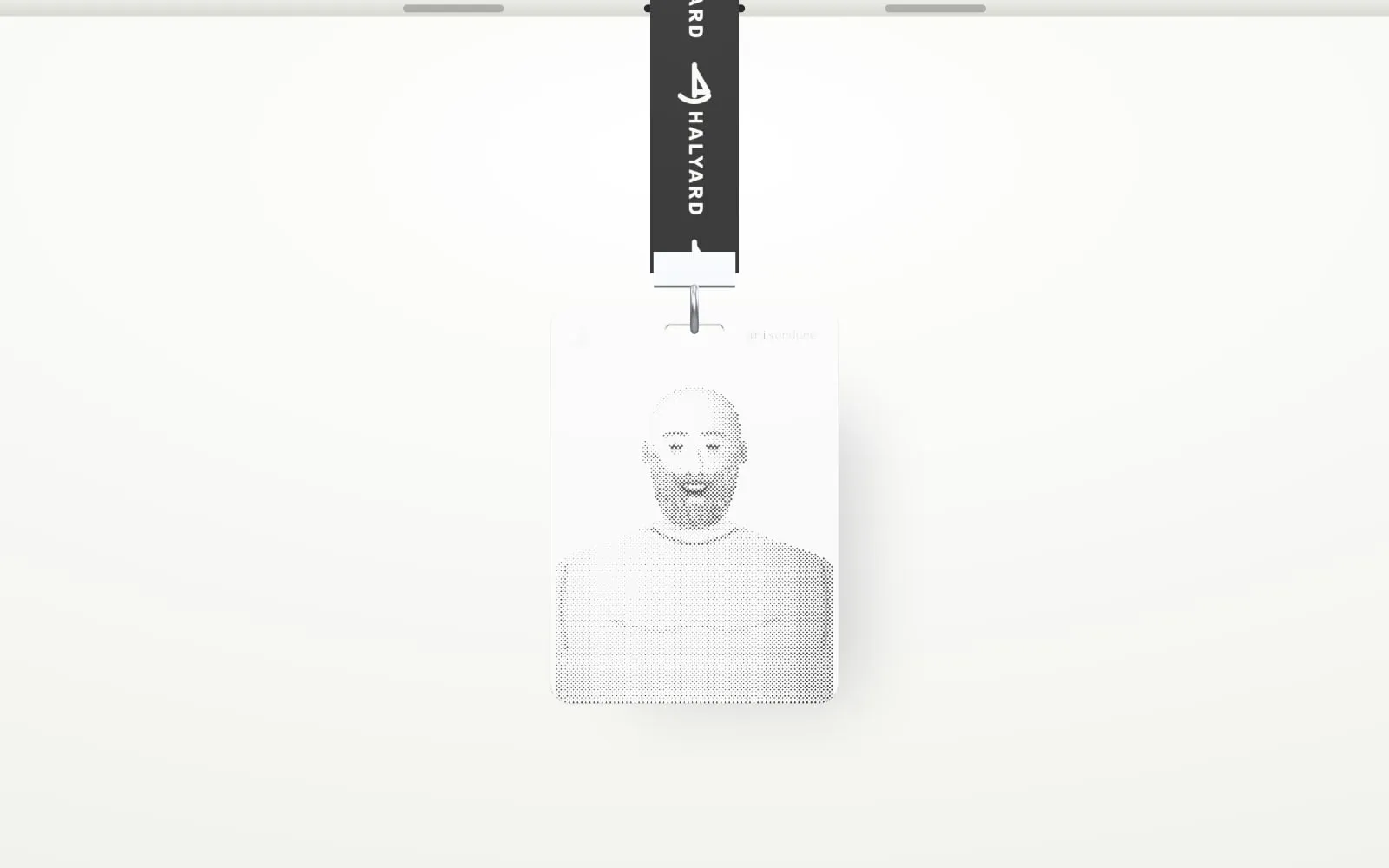
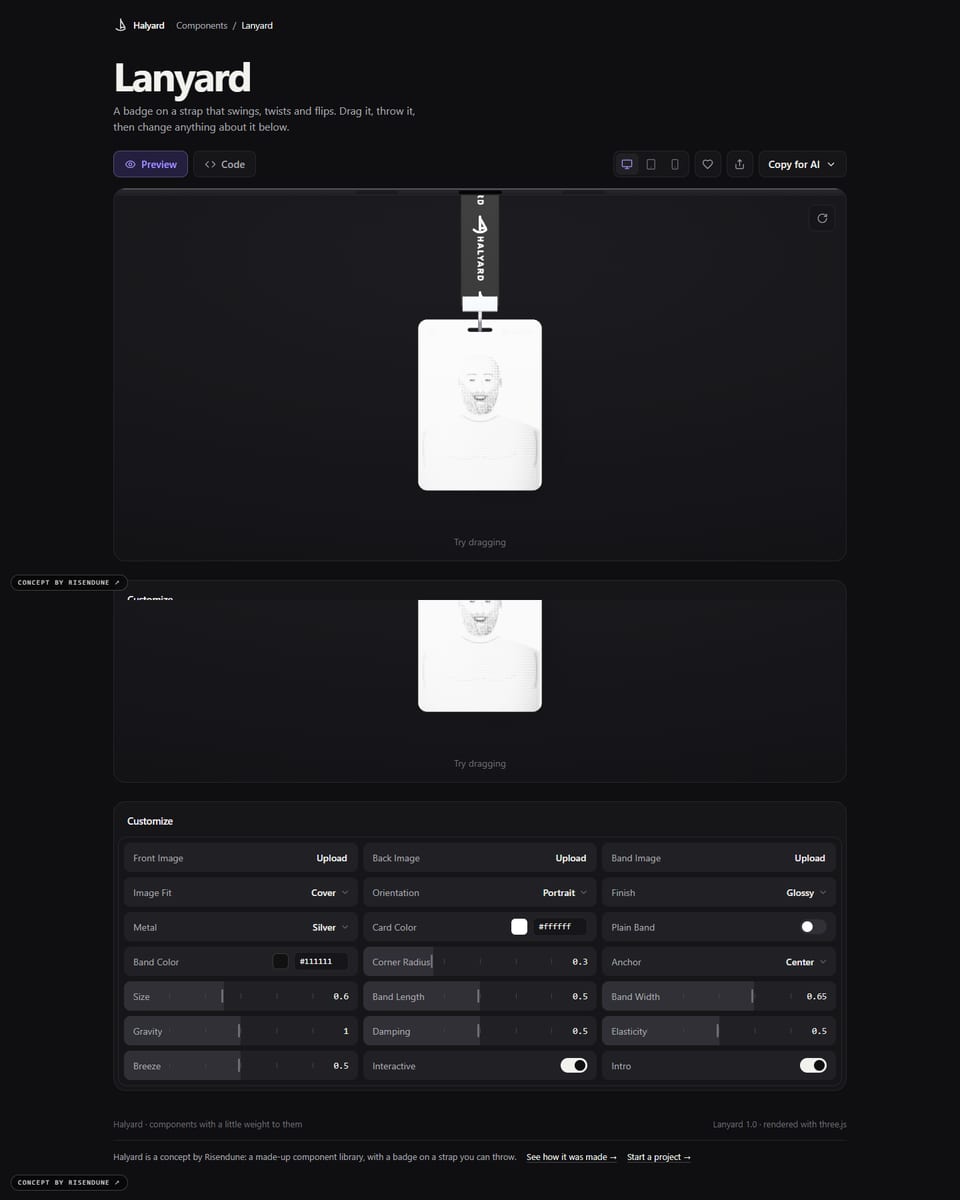
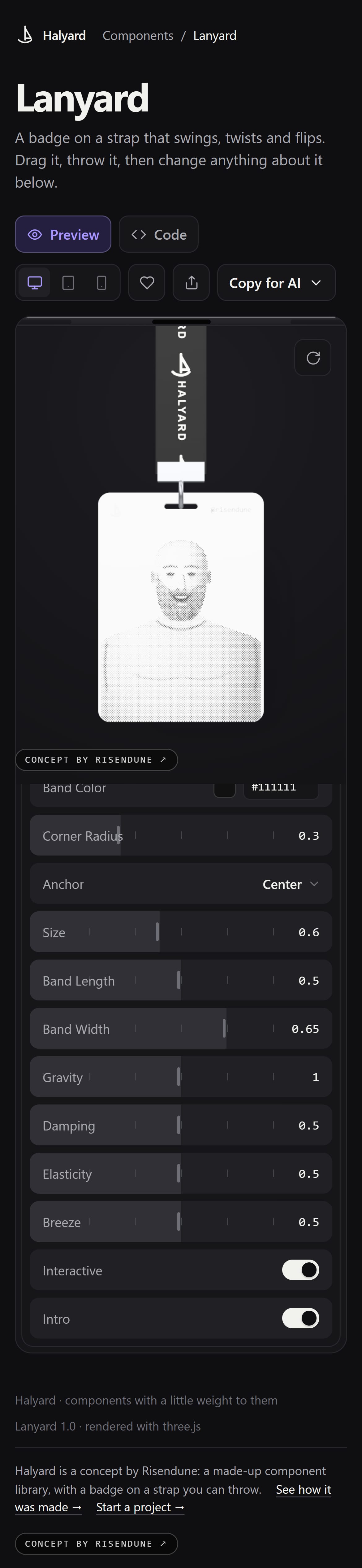
A component playground for a made-up library: a 3D badge on a printed strap that swings and can be thrown, with 21 controls that change everything about it.
Start a project like this04 /Try it live
Live preview unavailable here · Open live ↗
The brief
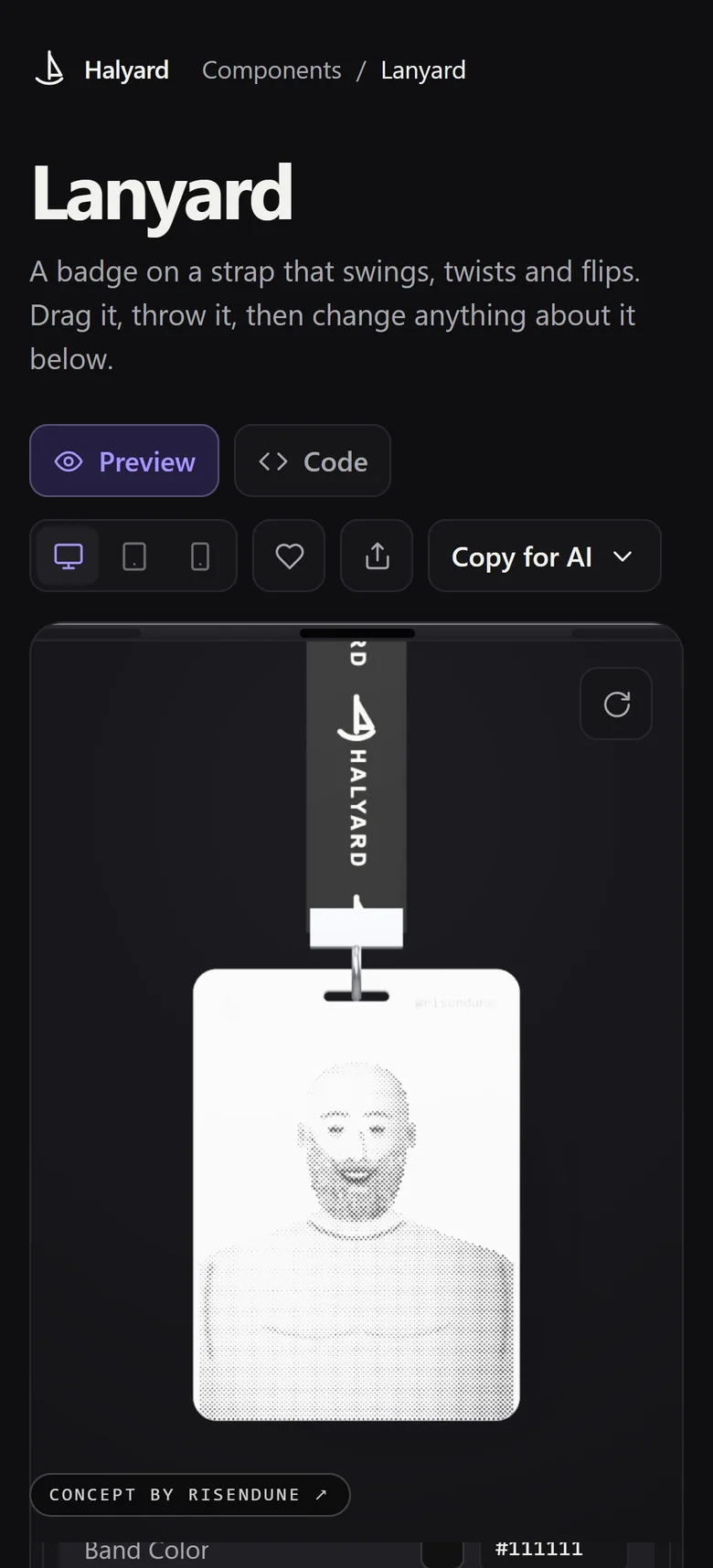
Halyard is a made-up brand: a concept by Risendune for a component library, “components with a little weight to them” (a halyard is the rope that hoists a sail). The brief was the page a library gives each of its components: a live preview, a code tab and a panel of settings, built around one piece, a badge on a strap called Lanyard.
The approach
The badge has to feel like it has weight, so it is simulated rather than animated.
- The strap is a chain of points and the card a rigid body hung from its clip, stepped 120 times a second. A breeze keeps it moving. Grab the card where you press it, throw it, and it swings back and turns to face you.
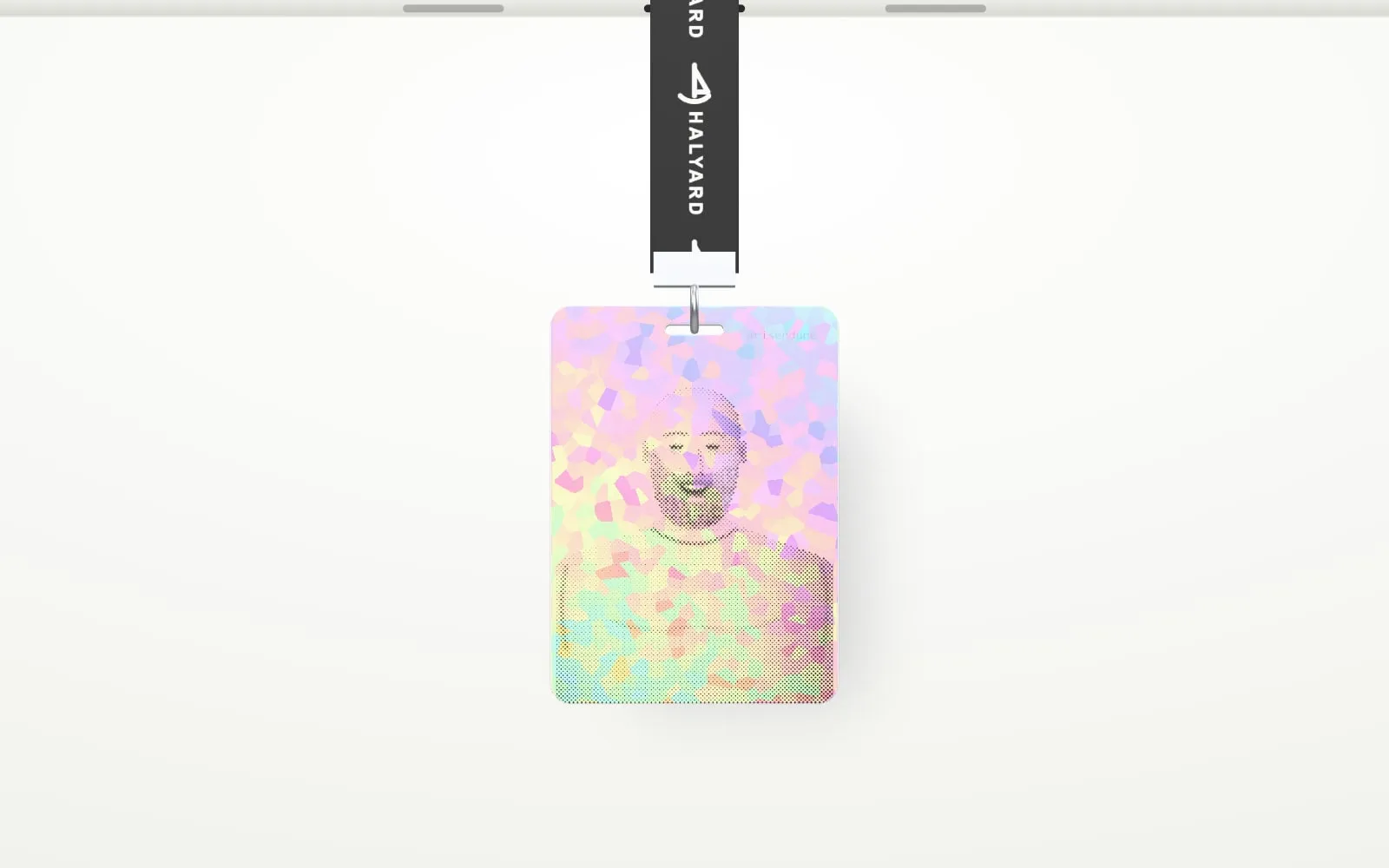
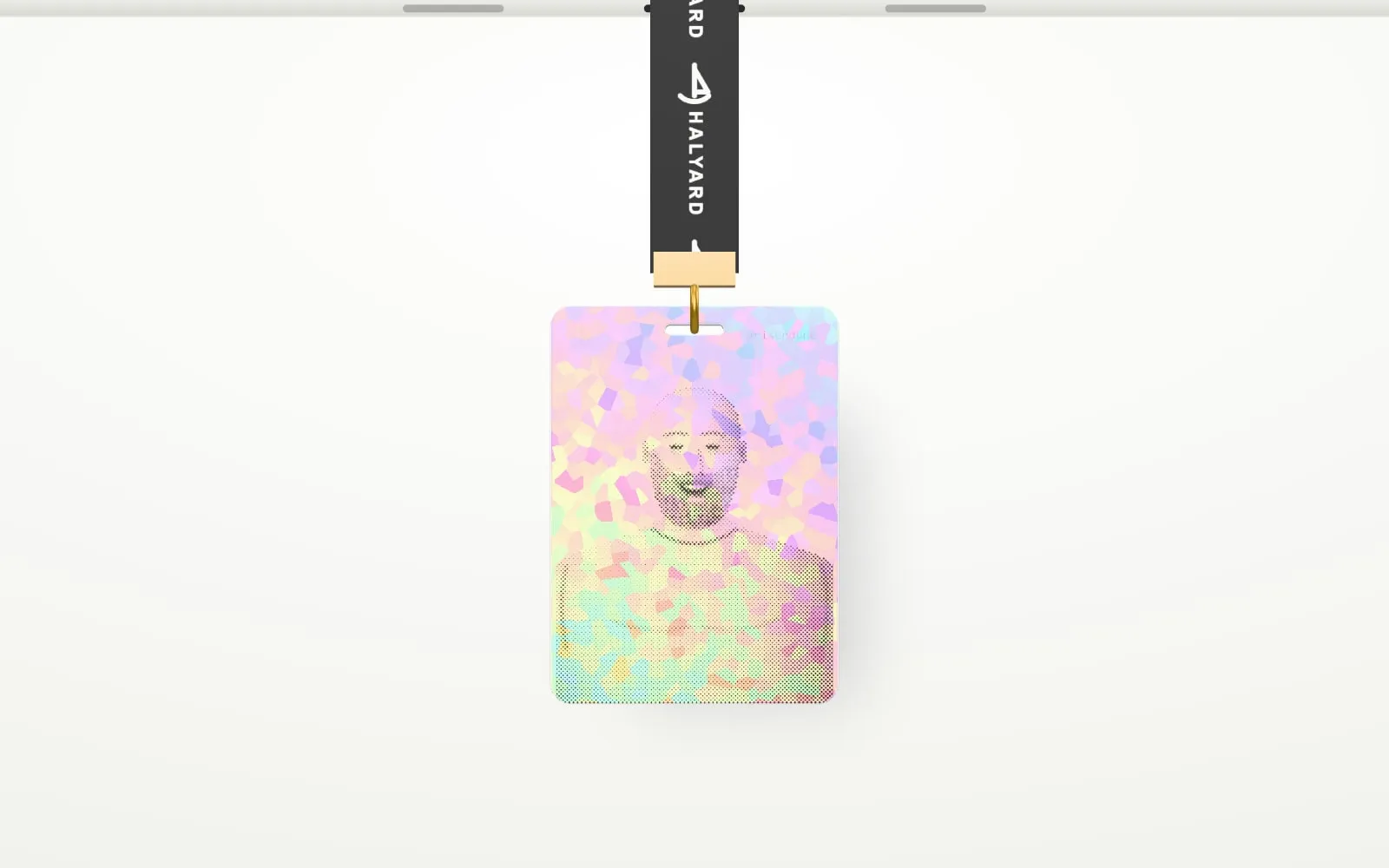
- Four finishes are real materials: glossy under a clear coat, matte, metallic, and a holographic one whose pastel crystal cells shift colour with the angle it is seen from. The clip comes in graphite, silver or gold.
- The card is Robbie’s, @risendune, drawn in code as a halftone portrait on a white sticker. Upload your own front, back or strap image and it takes its place.
- Twenty-one controls change everything about it, from the card’s colour and corners to gravity and elasticity. The Code tab lists only the settings that differ from the defaults, a share link carries them in the address, and Copy for AI writes a prompt for the component.
Settings are kept on the device. Anyone who prefers reduced motion gets the badge hanging still, with no intro and no breeze, though it can still be dragged. Without WebGL the page shows the card’s drawn face, and the panel still works.
Delivered
A one-page playground: the badge on its strap, four finishes and three clip metals, 21 controls, preview widths, a code tab, a share link and a Copy for AI prompt.